
Review and release
A Creator Moderator reviews every submission before anything reaches the Store.
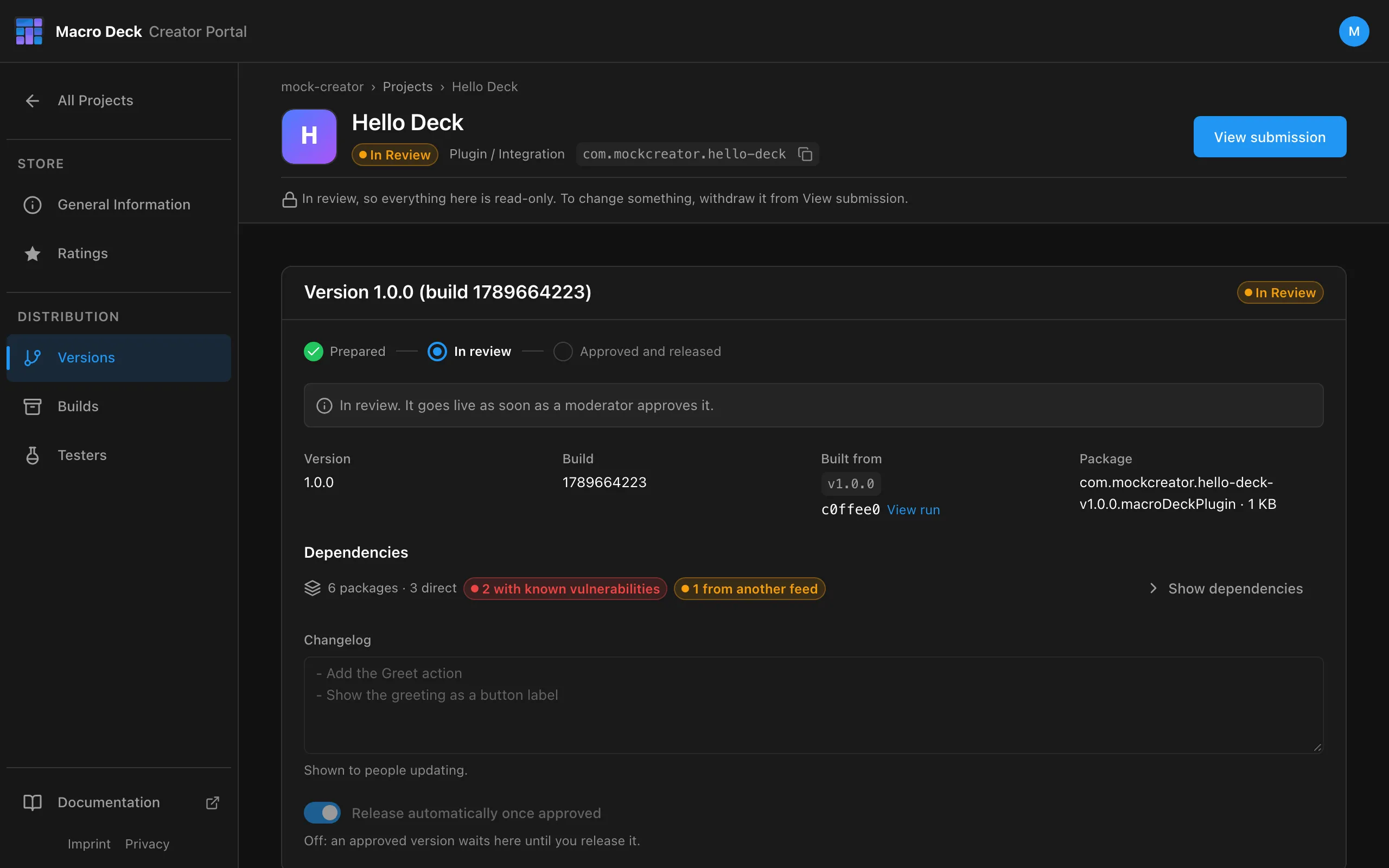
Statuses
Section titled “Statuses”| Status | Meaning | What you can do |
|---|---|---|
| In Review | Waiting for a moderator. The Project is read-only. | View submission and withdraw it |
| Needs changes | The moderator asked for changes. | Read the feedback, change, submit again |
| Declined | Not accepted. | Fix the version and submit again |
| Ready to release | Approved, with automatic release turned off. | Release the version |
| Published | In the Store. | Start the next version |
You are notified in the portal under Notifications, and by email for decisions.
Before the moderator decides
Section titled “Before the moderator decides”The portal runs automated checks on every submission and shows the findings in the review:
- the commit the build came from still exists in the repository,
- the repository is public and reachable,
- the package is unchanged since upload,
manifest.jsoncan be read and signed.
The moderator also sees the build’s conformance report and its warnings.
A check that could not run, for example because GitHub was unavailable, is a warning, never an error.
Changes requested
Section titled “Changes requested”The submission comes back to you with the moderator’s feedback. The version is editable again. Change what was asked, then Submit for Review. The same submission keeps its history.
Withdraw a submission
Section titled “Withdraw a submission”Open View submission and withdraw it. Use this to fix something before the moderator gets to it, or to upload a new plugin build.
Release by hand
Section titled “Release by hand”Turn off Release automatically once approved before submitting. After approval the version waits as Ready to release; release it from Releases when you are ready.
After publishing
Section titled “After publishing”- The Store signs the package. Macro Deck verifies it before installing and before every launch.
- Users see the update when the Store version is higher than the installed one.
- An approved version is final. Ship fixes as a new version.
Repository checks after publishing
Section titled “Repository checks after publishing”The portal checks a published plugin’s repository every few hours.
| Repository | Result |
|---|---|
| Private, deleted or App access removed | Email with a deadline. After 14 days the plugin is unlisted. |
| Reachable again | The plugin is listed again automatically. |
A repository renamed or moved within the same GitHub account is followed and needs nothing from you. A repository transferred to another account has to be connected again from there before the deadline.
Unlist
Section titled “Unlist”Unlisting removes a published Project from the Store. Installed copies keep working and the Package ID stays yours. List it again at any time.