
Creator Portal
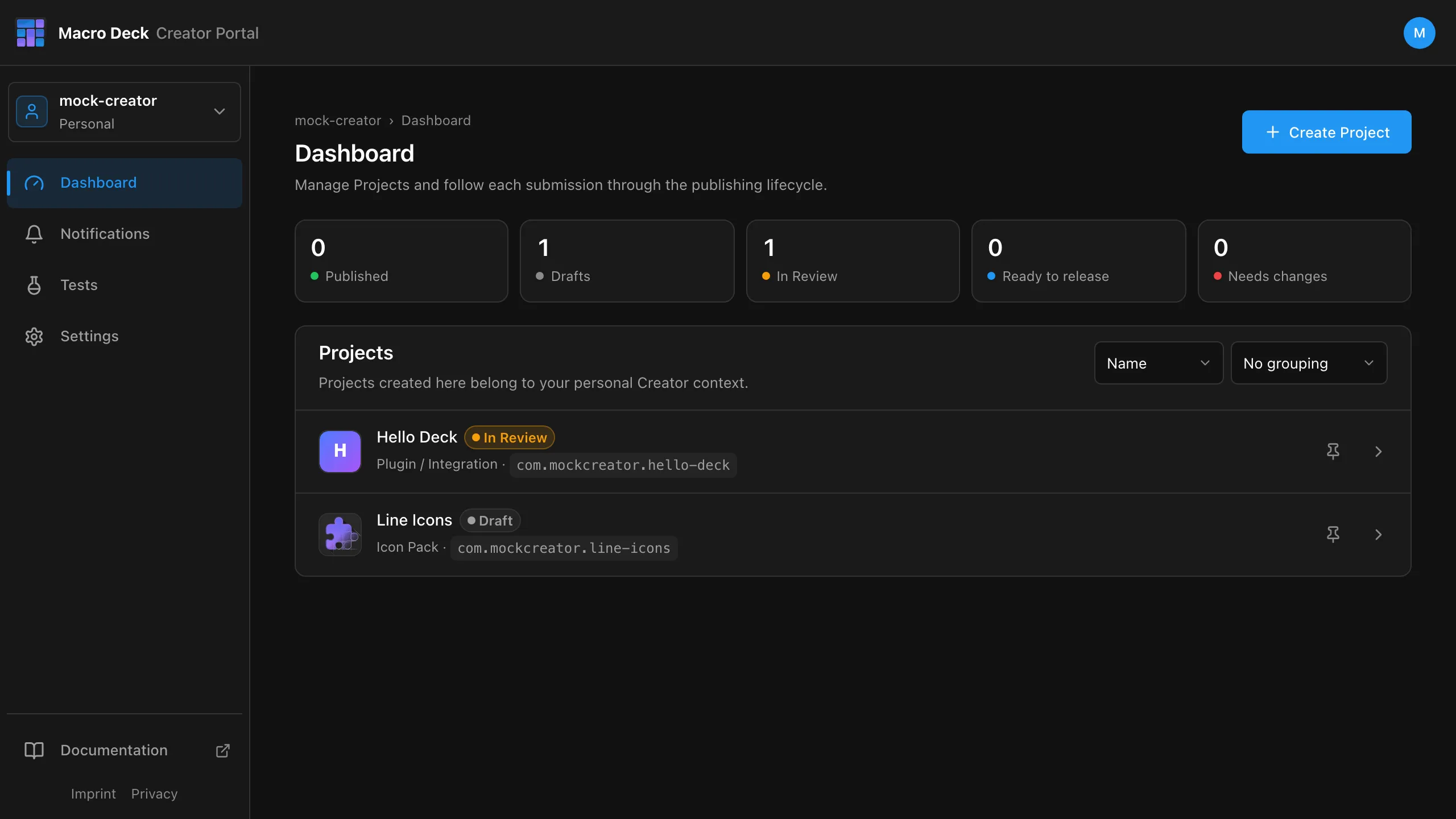
The Creator Portal is where you publish to the Macro Deck Store. Sign in with your Macro Deck account.
What you can publish
Section titled “What you can publish”| Project type | Published from | Guide |
|---|---|---|
| Plugin / Integration | A build that a GitHub release uploads | Publish a plugin |
| Icon Pack | A .macroDeckIconPack you upload |
Publish an icon pack |
How it fits together
Section titled “How it fits together”Create Project -> Version -> Submit for Review -> Approved -> Store ^ plugin: started from a build icon pack: the uploaded file- Every change goes through a review: new versions, but also the Display Name, the Store listing text and the images.
- An approved version cannot be changed. Fixes ship as a new version.
- The Store signs what it publishes. You never need a signing key or a secret.
- Projects and Store listing: create a Project, fill in what the Store shows.
- Publish a plugin: repository, release workflow, builds, versions.
- Publish an icon pack: versions and package upload.
- Review and release: what happens after you submit.
- Testers: let people install a plugin before it is reviewed.
- Public API: read your Projects, their status and analytics with an API token.
- Release workflow reference: inputs and error messages.